One box, two translations
Your guitar produces an analog electrical signal — a small, continuous voltage that wobbles exactly like the string does. Your computer only understands numbers. An audio interface converts the wobble into numbers on the way in (the "ADC", analog-to-digital converter) and converts the computer's numbers back into an analog signal on the way out (the "DAC"), so your headphones can play it.
Between those two converters sits a preamp — a clean amplifier that lifts the guitar's whisper-quiet pickup signal up to a healthy level the converter can hear properly. That's the whole job. Everything else on the box — extra inputs, knobs, meters — exists to serve those three parts.
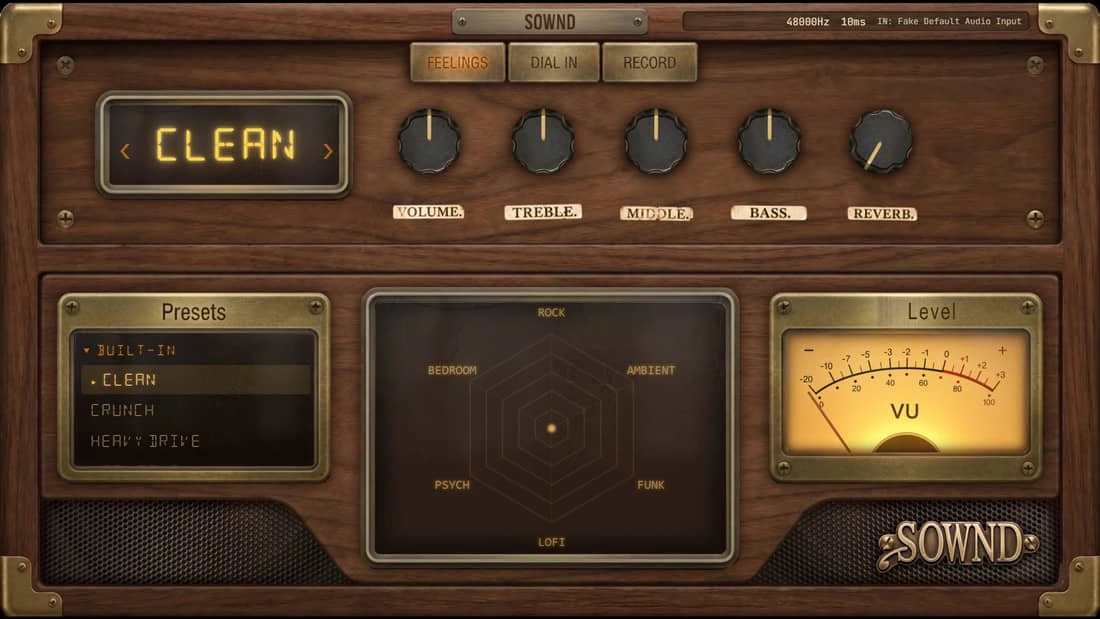
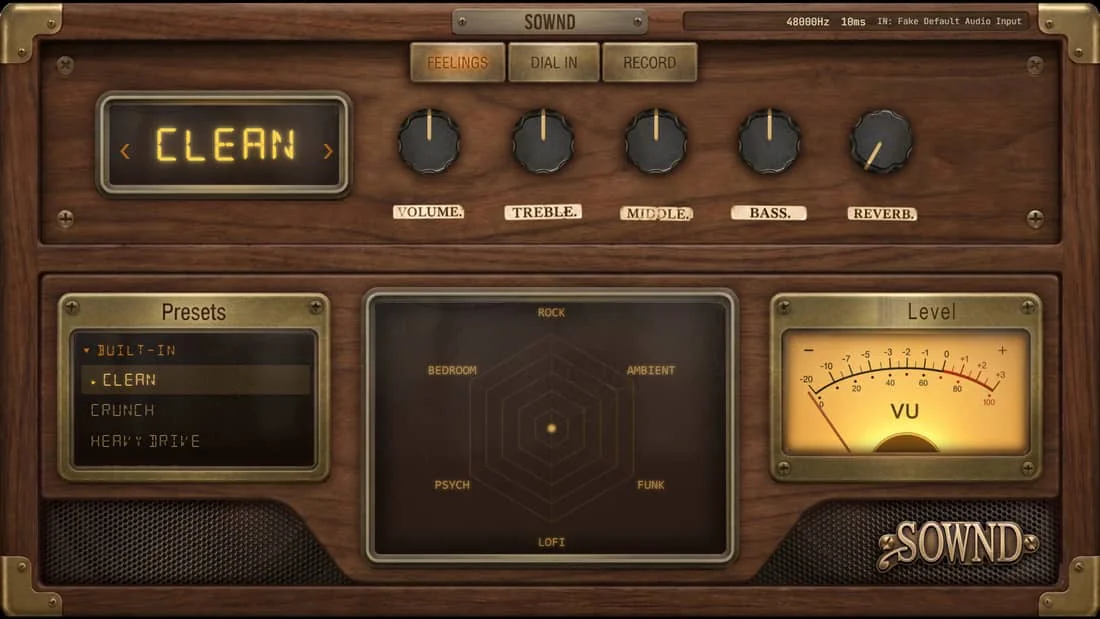
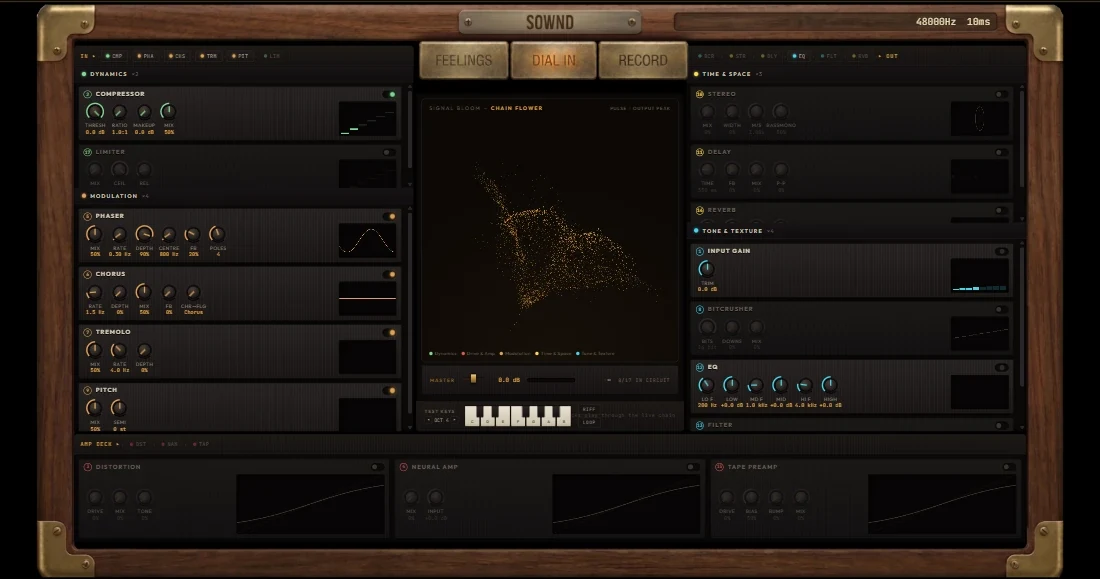
Important framing: an interface is plumbing, not tone. It does not make your guitar sound like anything — that is the amp sim's job (SOWND's job, if you're playing in a browser). The interface's job is to deliver your playing to the software fast and clean, and deliver the result to your ears.
What every port is for
Instrument input (¼" jack, "Hi-Z")
The one your guitar wants. Hi-Z means high impedance — pickups need it or they sound dull. Most interfaces mark this input "INST" or let you toggle a button per input.
XLR input
For microphones. Has a +48V phantom power switch for condenser mics — irrelevant for guitar, useful the day you want to sing or mic an amp.
Line inputs / outputs
For synths, drum machines and already-amplified signals — and on the back, outputs to studio monitor speakers. Balanced ¼" or TRS jacks.
Headphone output
Powered by the interface's own DAC. This is where you hear SOWND — bypassing the laptop's weaker built-in audio entirely.
USB-C / USB-B port
The data pipe to the computer. On almost every modern interface it also supplies the power — no wall adapter needed.
MIDI (5-pin DIN, optional)
On some mid-size boxes. For keyboards and controllers — guitar players can ignore it safely.
What the knobs actually do
Gain (one per input)
How hard the preamp pushes your signal into the converter. Too low = hiss when you turn software up. Too high = red clipping lights and digital crackle. Aim for the meter hitting amber on your hardest strum.
Direct monitor
Routes your raw guitar straight to the headphones, bypassing the computer — zero latency. With SOWND you keep this OFF, because you want to hear the processed tone, not the dry guitar. (If you hear a dry guitar doubled under your tone, this knob is why.)
Monitor mix
A blend between direct signal and computer playback — same idea as direct monitor. For browser amp play: full "playback/computer" side.
Headphone volume
Exactly what it says. Independent from your system volume — your last-resort loudness knob.
What an interface is NOT
Not an amp or an amp sim — it produces no guitar tone of its own. Not a mixer — it routes inputs to software, not channels to a PA. And it is not a "sound card upgrade" in the gaming sense: you will not hear music sound prettier through it. What you will hear is a guitar signal that arrives intact, in time, without noise.
It is also not mandatory for every setup. If you only ever play through a USB microphone aimed at an amp, or you only program MIDI, you never touch one. The moment a real guitar cable is involved, though, it stops being optional — the next guide explains why.
When you genuinely need one
Recording or playing electric guitar/bass on a computer
Always. Passive pickups need the Hi-Z input — this is the non-negotiable case.
Recording vocals or an acoustic with a mic
Yes — the XLR input, phantom power and clean preamp are what you're paying for.
Just programming synths and MIDI
No — MIDI travels over plain USB. Your laptop's audio out is fine for monitoring.
Quick idea capture only
Borderline — the laptop's built-in mic can record an acoustic roughly. But any €50 interface does it ten times better, with zero latency on playback.
Try it while you read
Open the free Bare Wire tone in another tab — follow the steps live.
Quick answers
Does any audio interface work with SOWND?
Yes — SOWND uses your browser's standard audio input, and every interface sold today is "class-compliant" (no drivers needed on Mac, a simple driver on Windows). If the interface works on your computer, it works in the browser.
Do expensive interfaces sound better for guitar?
Past roughly €100 the audible difference in guitar tone is tiny. What you pay for after that is better drivers (lower latency, fewer crashes), cleaner preamps, more inputs, better build. For browser playing, driver quality matters more than converter specs.
Do I need two inputs?
Only if you record two things at once — a vocal mic plus guitar, or a stereo synth. One instrument input is enough for electric guitar through an amp sim.
Is a USB guitar cable the same thing?
It is a minimal one — a cable with a tiny one-input interface built in. No knobs, no upgrades, but it solves the same three problems (level, impedance, latency) for about €15.