Under the hood, the same idea
Both are DSP pretending to be miked amplifiers — the math doesn't care whether it runs as a VST3 inside Ableton or a WebAssembly module inside a tab. What differs is everything around the math: installation, licensing, latency tuning, and what else the tool assumes you want.
Pick by use case
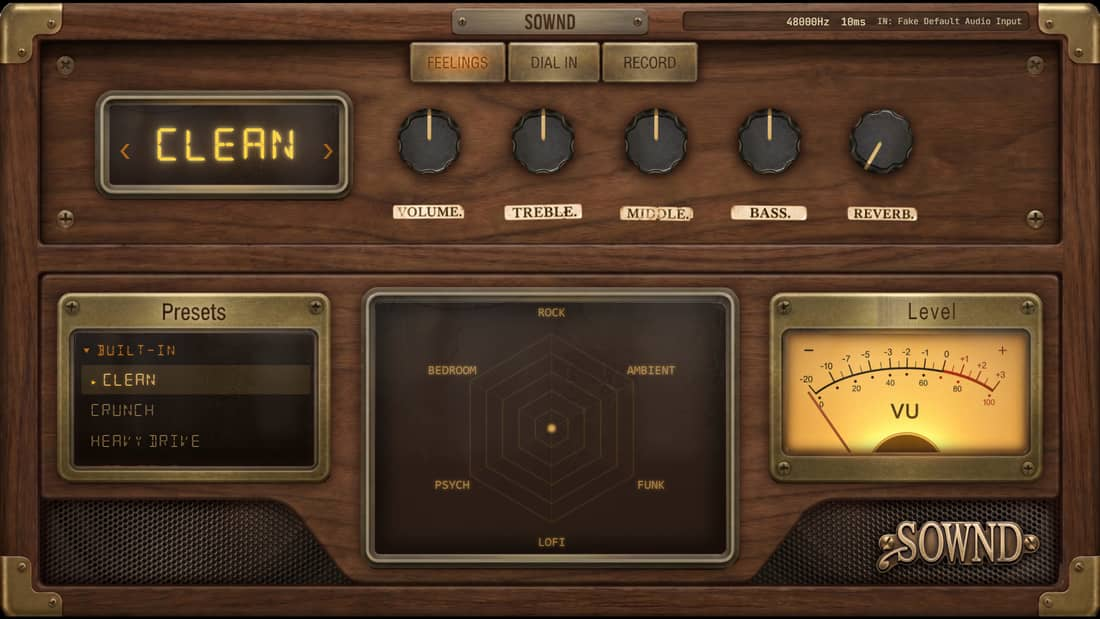
You produce music already
Stay plugins — they slot into your mixer, automate, sit in templates. A browser tab inside a session is a hack.
You play guitar and own a laptop
Browser — the install is a URL, the DAW you'd need is the overhead you're avoiding, and the recorder is already attached.
You move between computers
Browser — your rig isn't licensed to a machine. Friend's PC, work laptop, tablet: same amp, same presets.
You need specific licensed models
Plugins — the big-model-count catalogs live there. Browser sims are curated, not encyclopedic.
Try it while you read
Open the free Bare Wire tone in another tab — follow the steps live.
Quick answers
Can a browser amp sound as good as a plugin?
The DSP class is the same — browser vs plugin is a packaging difference, not a quality law. Latency tuning and model depth differ per product, not per platform.
Do browser amp sims work offline?
Generally no — the sim loads from the web. Plugins run fully offline once installed.