What latency actually is
Every digital audio path buffers: your guitar signal is chopped into small chunks, processed, reassembled. Buffer too big and you hear yourself late — the musical equivalent of a laggy video call. Under ~10 milliseconds it feels instant; over ~20ms your timing fights itself.
The usual suspects, in order
1 · Bluetooth headphones/speaker
The biggest single cause — BT alone adds 100–200ms. Wired headphones fix more than any setting will.
2 · Browser choice
Chrome and Edge expose the lowest-latency audio path. Firefox is fine; Safari is fine; the difference is real but smaller than BT.
3 · The input device
A proper interface processes audio in dedicated hardware; the laptop mic input shares a busy path. Interface → measurable improvement.
4 · Sample rate mismatch
If the interface runs 44.1kHz and the OS resamples to 48kHz, extra buffering sneaks in. Match them.
5 · CPU contention
A video call, a game, thirty tabs — audio loses CPU priority easily. Close what you're not using.
Measure it, don't guess it
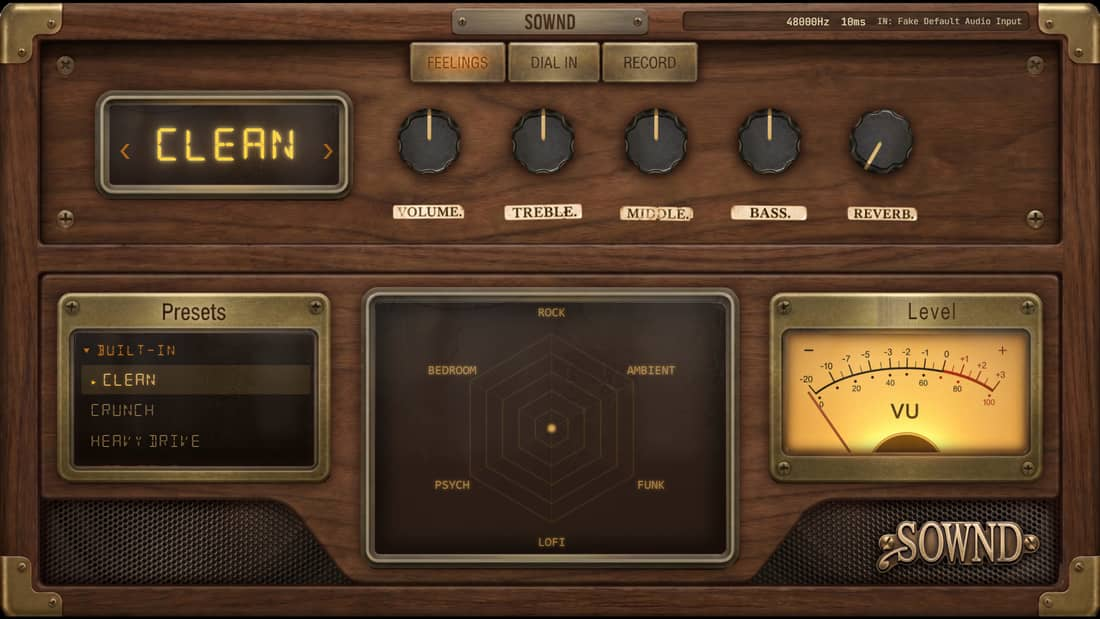
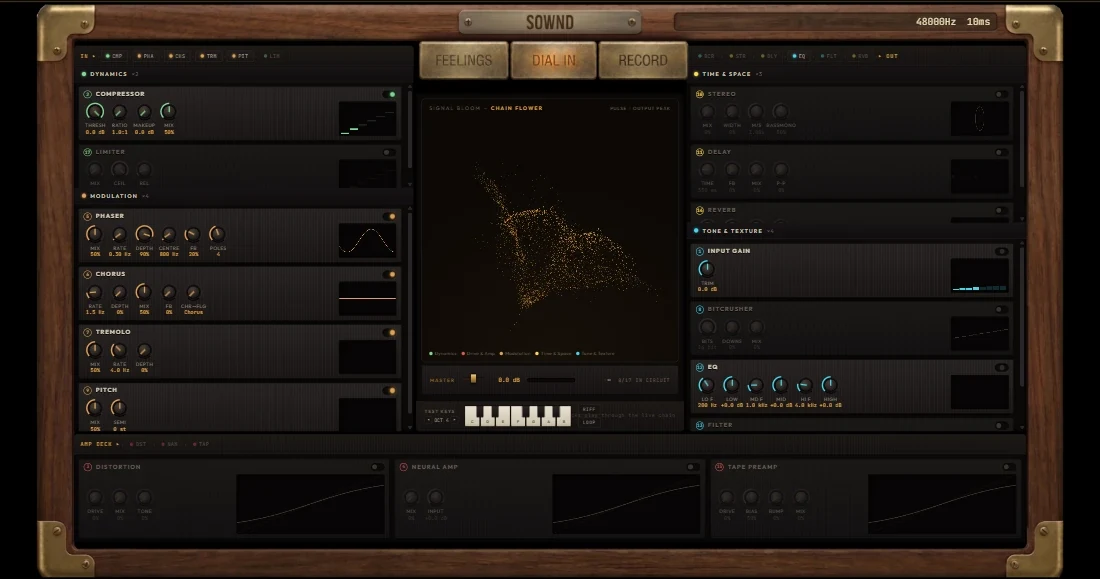
In SOWND's Dial In room, the telemetry strip shows live latency. Change one thing at a time — go wired, switch browser, pick the interface input — and watch the number drop. Under 10ms and you'll stop thinking about it, which is the point.
Try it while you read
Open the free Bare Wire tone in another tab — follow the steps live.
Quick answers
Why is my guitar delayed through the computer?
Audio buffering — the signal is processed in chunks. Bluetooth audio is the most common big cause (100ms+); browser, input device and CPU load add the rest.
How much latency is too much for guitar?
Under ~10ms feels instant, 10–20ms is playable, over ~25ms most players feel the delay and timing suffers.