Lo que realmente necesitas
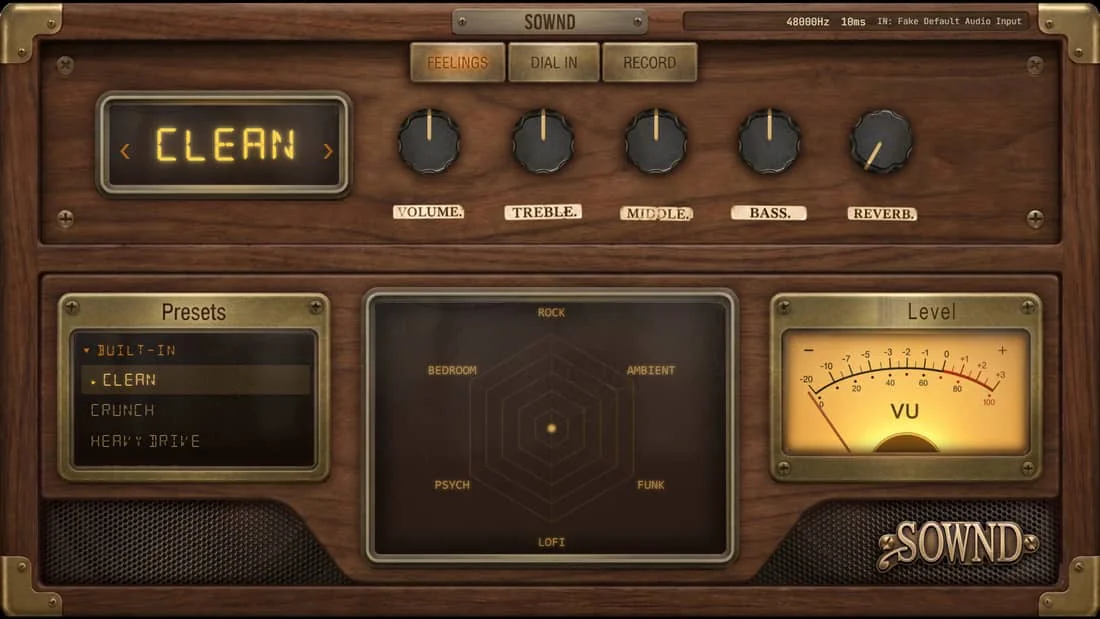
A guitar, something to plug it into, and headphones. That's the whole list — an entry-level interface costs less than a pedal and doubles as your soundcard. No interface at all? A USB mic pointed at your amp or acoustic works too; SOWND takes whatever input the browser gives it.
Grabar en tu navegador
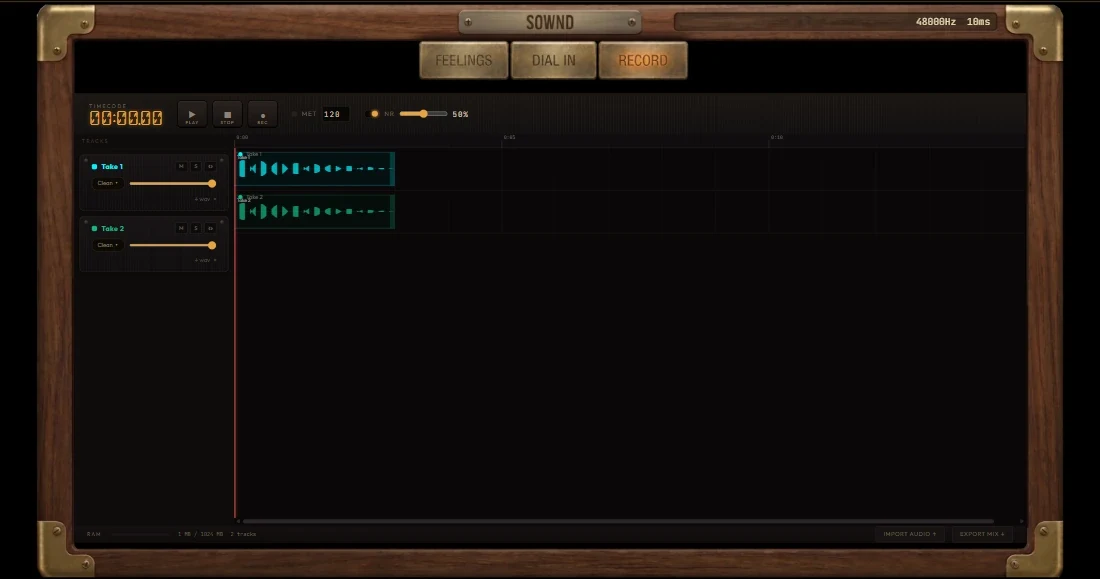
Open SOWND, allow microphone access, pick Bare Wire. The signal meter moves when you play a note — no drivers, no buffer settings, no DAW. The Record tab is a full multi-track studio: arm a track, stack takes, keep everything in the tab.
Conseguir una buena toma
Ajusta tu nivel
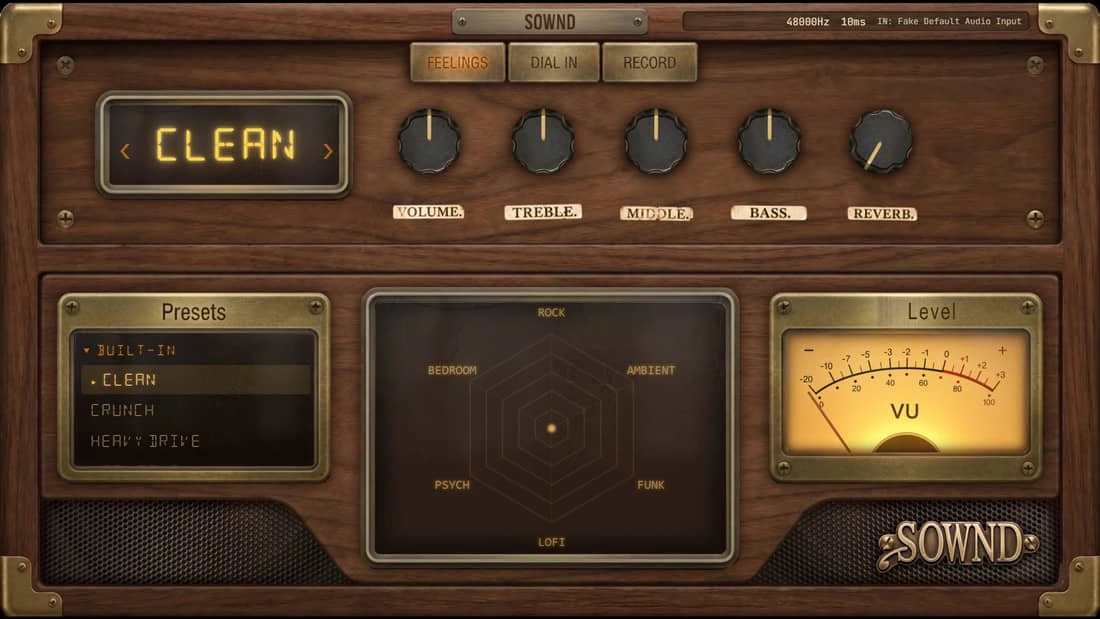
Toca tu parte más fuerte mirando el medidor de entrada — pico ámbar, nunca rojo. El clipping digital es para siempre; lo bajo se arregla.
Graba la toma, no la mezcla
Toca el tema de principio a fin antes de tocar un solo knob. El momentum vence a los ajustes.
Borra sin piedad
Tres tomas honestas vencen a treinta «suficientemente buenas». Quédate la que sintió el groove fácil.
Exportar para demo/redes
Bounce the mix to WAV straight from the Record tab — per-track stems or a mixed master. For social clips, 30–45 seconds of the hook outperforms a full song every time. Want the tone first? Audition every tone before you buy — each demo on the site is a real engine render.
Pruébalo mientras lees
Abre el sonido gratis Bare Wire en otra pestaña — sigue los pasos en vivo.
Respuestas rápidas
¿Puedo grabar guitarra sin interfaz de audio?
Sí — un micro USB o incluso el micro del portátil mete sonido, aunque una interfaz básica (menos de 100 €) da resultados mucho más limpios. SOWND acepta cualquier entrada que el navegador vea.
¿Necesito una DAW para grabar guitarra en casa?
No. Un estudio de navegador como SOWND graba tomas multipista con cuenta atrás, metrónomo y exportación WAV — sin software que instalar.